Configuration
To enable wordpress integration execute the following steps:
- Download the wordpress plugin – https://www.bilesuparadize.lv/v1.0/embed/wordpress-plugin.zip
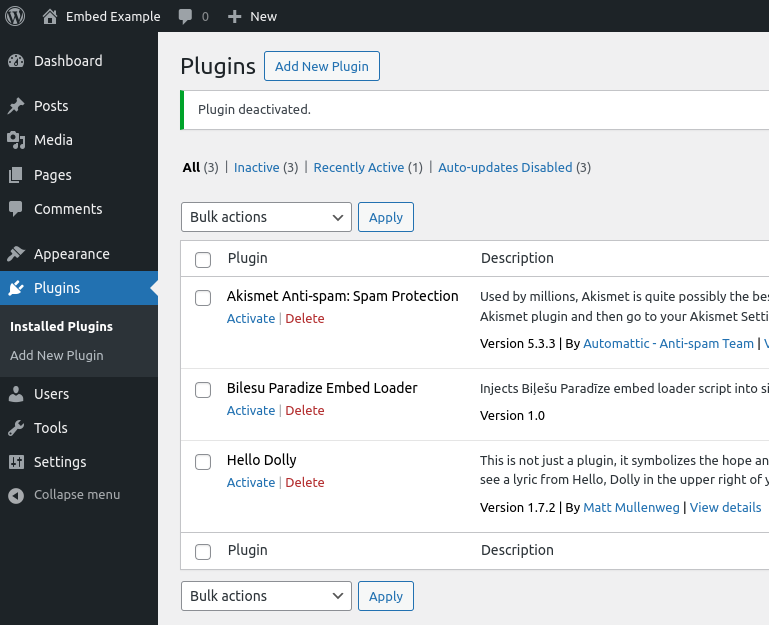
- Install it on your wordpress site by clicking on Plugins section
Add New Pluginsubsection via sidebar in WordPress administration and clicking onUpload Plugin - After installation press
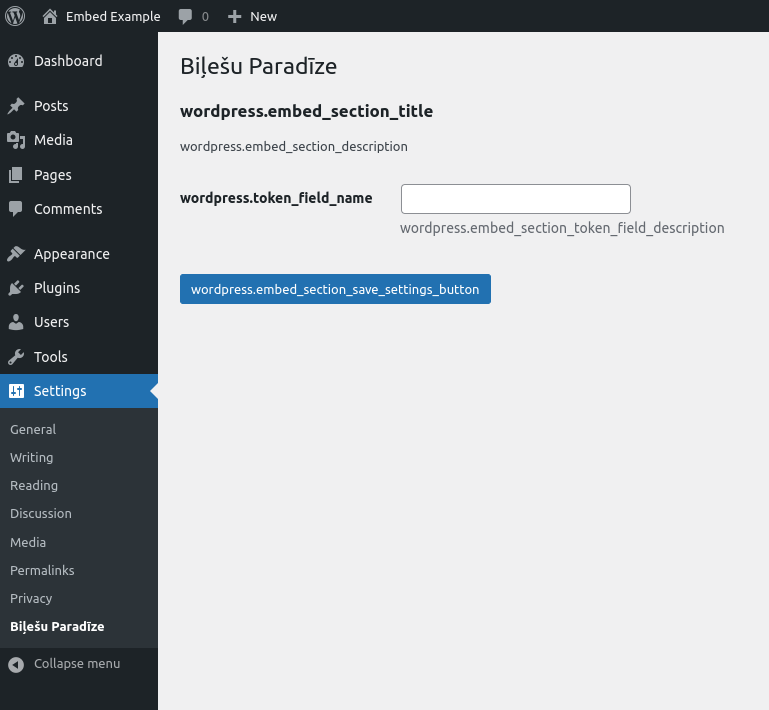
Activatein onBilesu Paradize Embed LoaderinPluginssection - Navigate to configuration page by clicking
SettingssectionsBiļešu Paradīzesubsection and add your token, which can be configured in https://admin.bilesuparadize.lv
Usage
To use WordPress integration plugin, wherever ticket purchasing should be enabled, create a link or button with URI in the following format: bilesuparadize://buy-event-tickets/your-desired-event-id (e.g. bilesuparadize://buy-event-tickets/2324)
Example
or